Academy Enrollment Website ("Word Skilled")
The Problem
Before this website existed, every interested student had to reach the academy owner directly — through WhatsApp or an in-person meeting — just to learn about courses or enroll. She was doing double duty: answering the same questions repeatedly, and manually figuring out who was seriously interested. Every enrollment started as a conversation, not a form.
What I Built & Decided
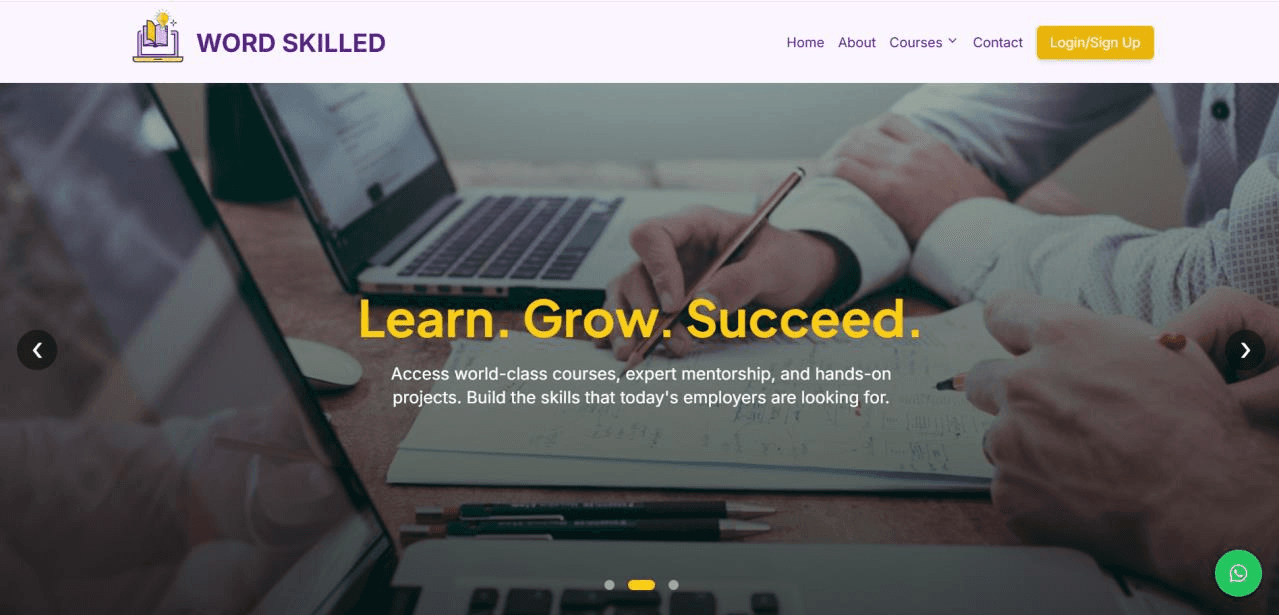
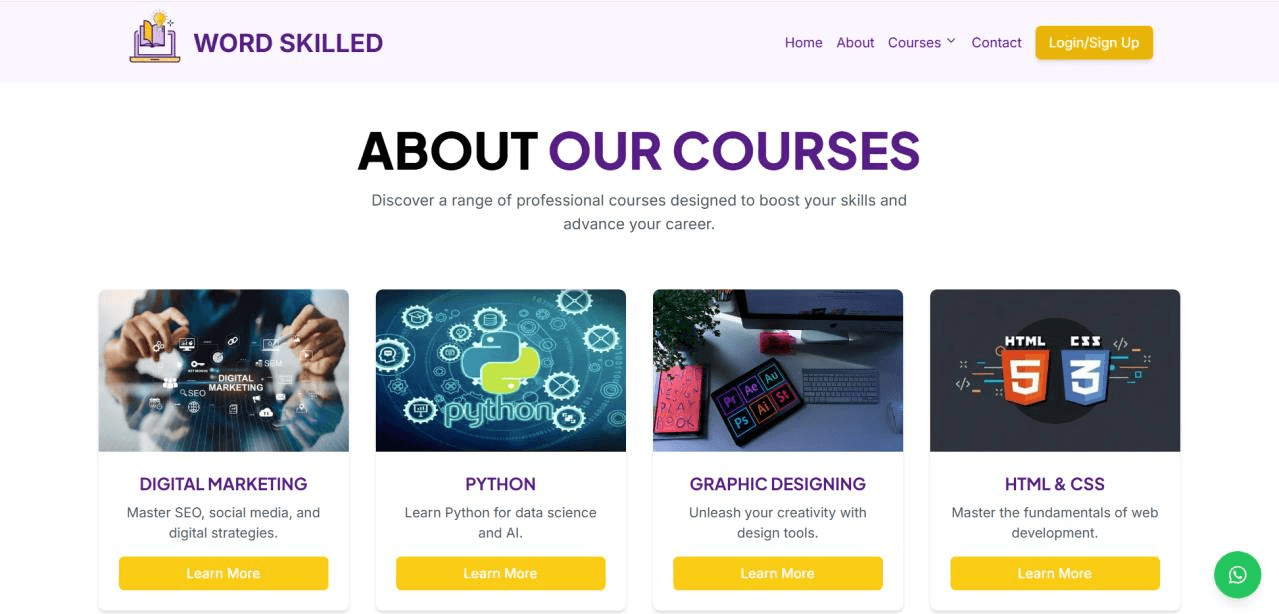
Home, About, Courses, and Contact pages, plus working login and signup, and a full enrollment flow saving submissions to a live database.
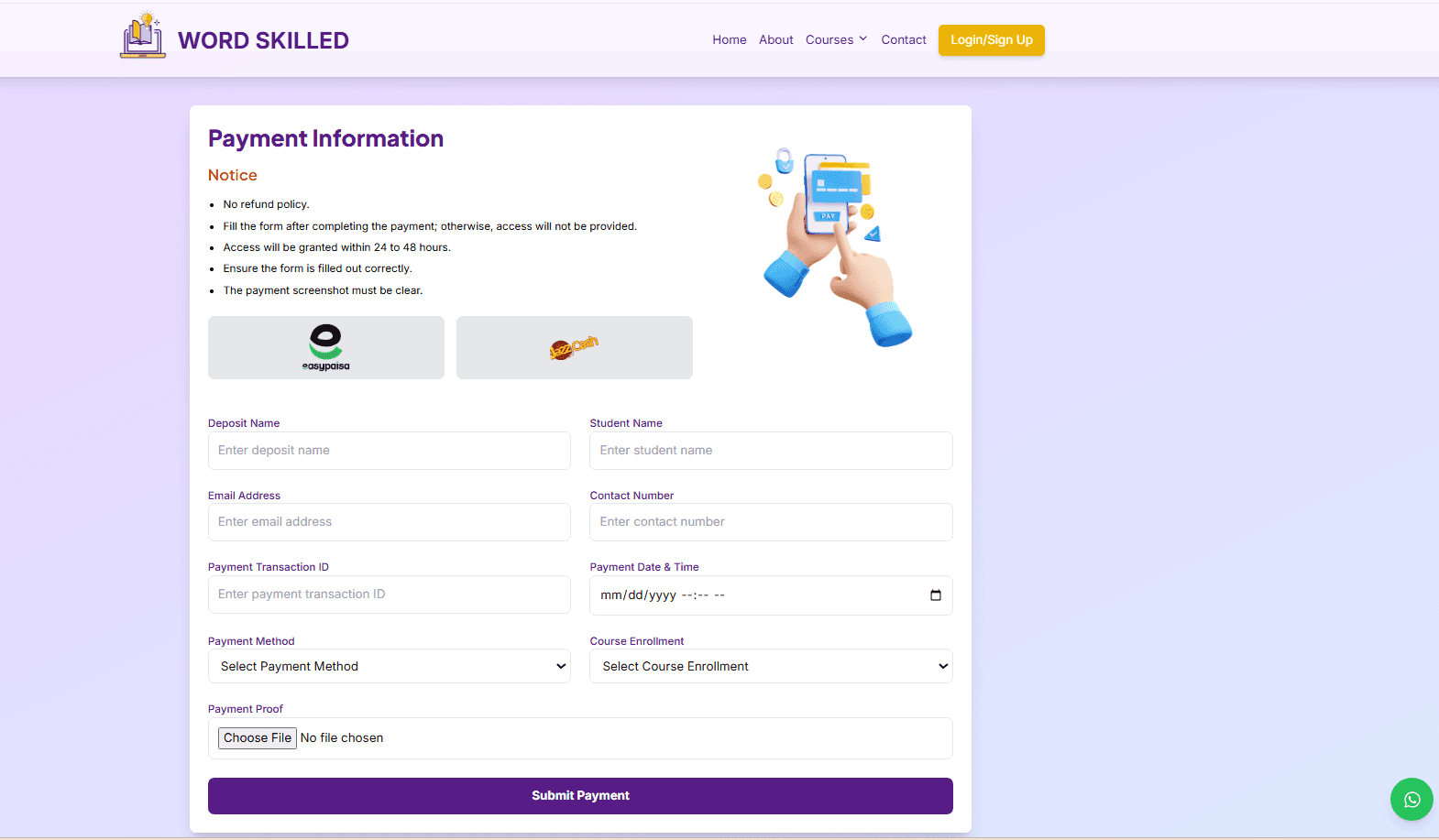
- Enrollment form: used the same info the academy owner was already collecting over WhatsApp (name, email, phone, course selection) — turned it into a structured form rather than guessing what to ask.
- Payment: the academy already used EasyPaisa, so I built around that instead of introducing a new payment gateway. Student sees EasyPaisa details and a QR code, pays, uploads a screenshot as proof, which gets sent to the academy's WhatsApp for manual confirmation.
- Authentication: integrated Firebase for login/signup rather than building auth from scratch. Initial setup didn't work as expected — I had to go back into the configuration and fix it before it behaved correctly.
How I Worked
I started with my own decisions about layout and flow, using other sites as reference. I broke the build into components and used AI as a coding assistant — describing what a section should do, using the generated code as a starting point, then reviewing it myself. AI didn't design the site or make these decisions — it helped me write code faster once I already knew what I was building.
Concrete example — the navbar: across different screen sizes it wasn't behaving consistently (styling and colors rendered differently). I tested at multiple screen sizes, adjusted the responsive styling and code, and kept checking in the browser until it held up consistently. I had friends test the finished sections too.
What Came Of It
The site is live and students are using it now — not a demo. Real students have submitted enrollment details, saved to a live database. Login, signup, enrollment, and payment-proof are all working as built.
What I'd Do Differently
Start responsive testing earlier instead of waiting until sections were mostly finished. Plan the payment-proof flow more deliberately from the start. Consider streamlining the manual WhatsApp confirmation step in a future version.